ReadMe
Scan, import and sign documents. Private: everything stays on your phone.
- Category
- Documents
- Price
- Free; Pro is US$3.00 once
- Account
- Not needed
- Data collected
- None, per its Google Play data-safety listing
- Platform
- Android
- Last updated
- 11 Oct 2026
01What it does
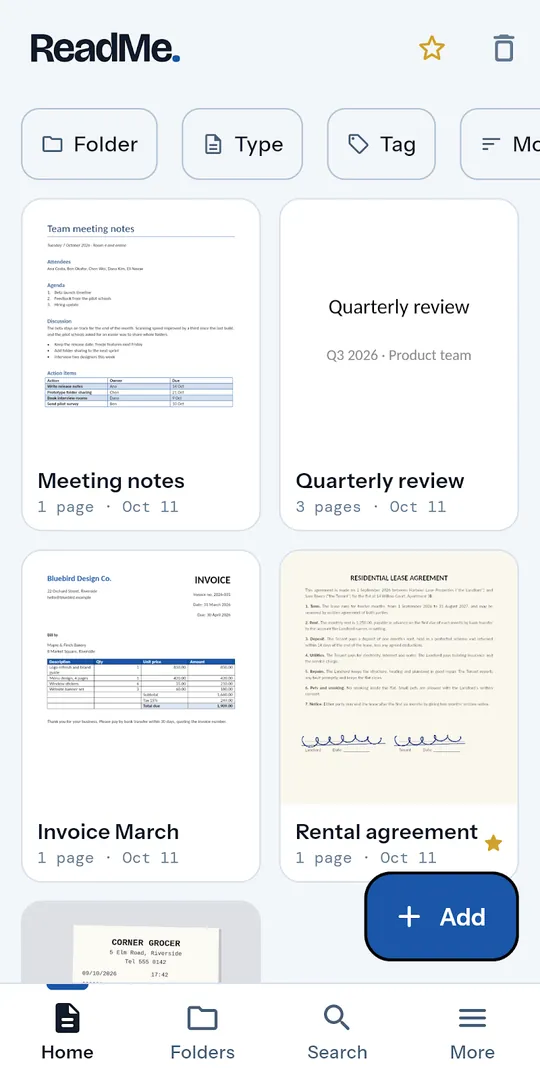
ReadMe is a private document scanner and reader. Scan paper, import your files, then read, sign and organise them. Everything stays on your phone: no account, no ads, no tracking.
-
Scan
Point your camera at any page. ReadMe finds the edges, flattens the page and cleans it up. Scan a stack in one go.
-
Import anything
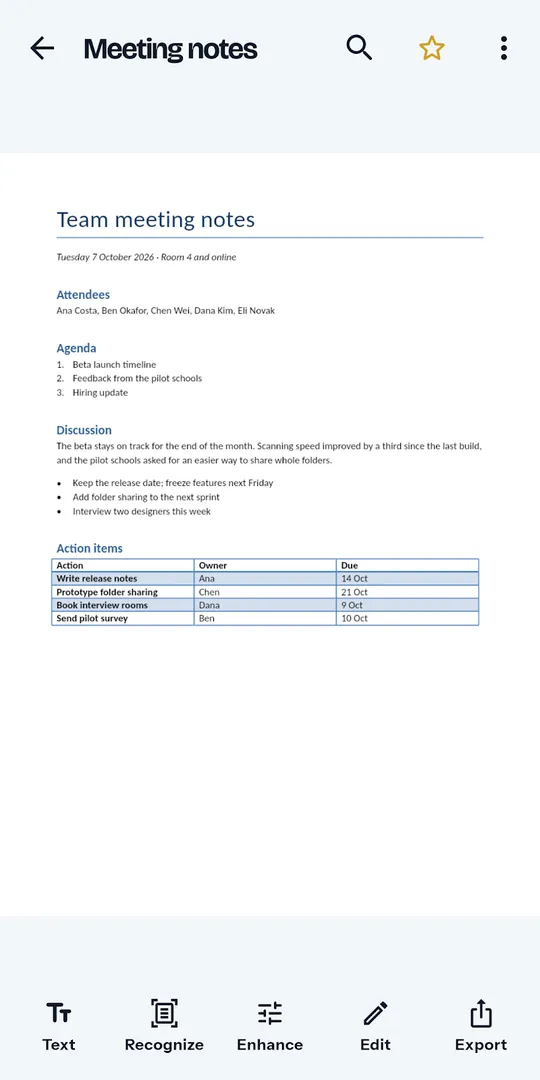
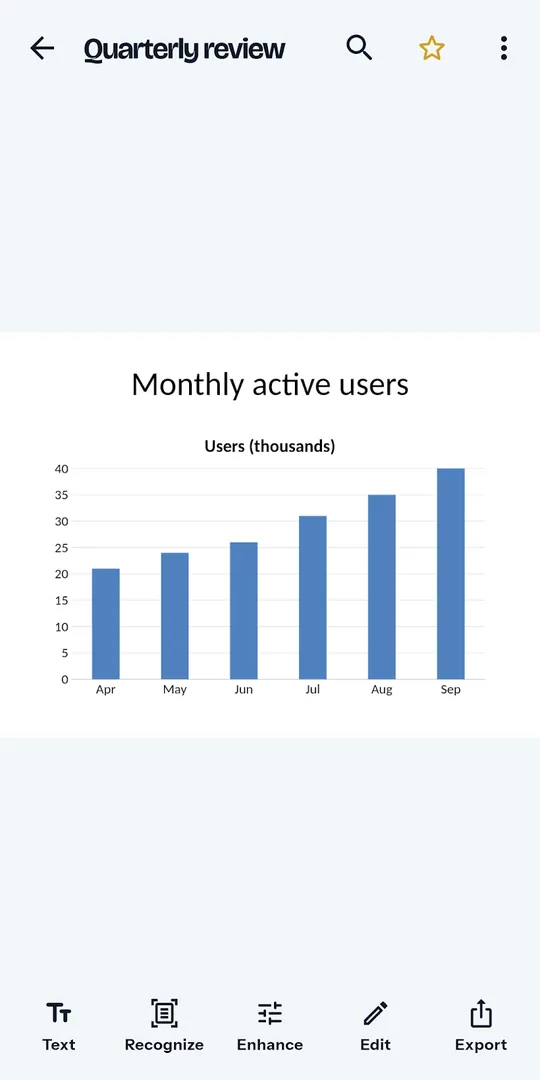
Bring in photos, PDFs, Word, PowerPoint, Excel and text files. Word documents and PowerPoint slides come in as pages that look like the original, with their fonts, headings, lists, tables, pictures and charts in place.
-
Sign and annotate
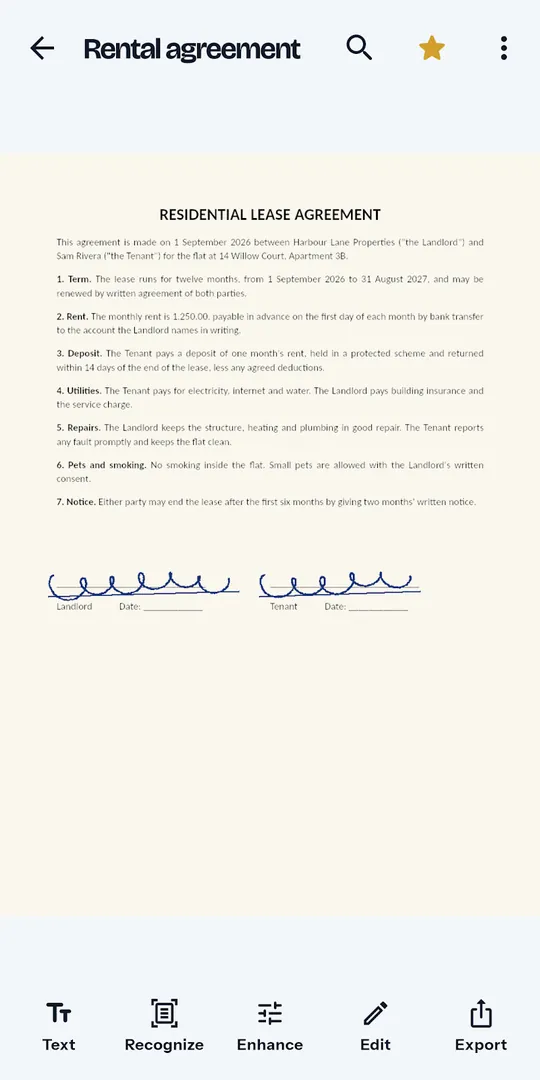
Sign contracts, highlight, draw and add notes on any page. Signing is always free.
-
Organise
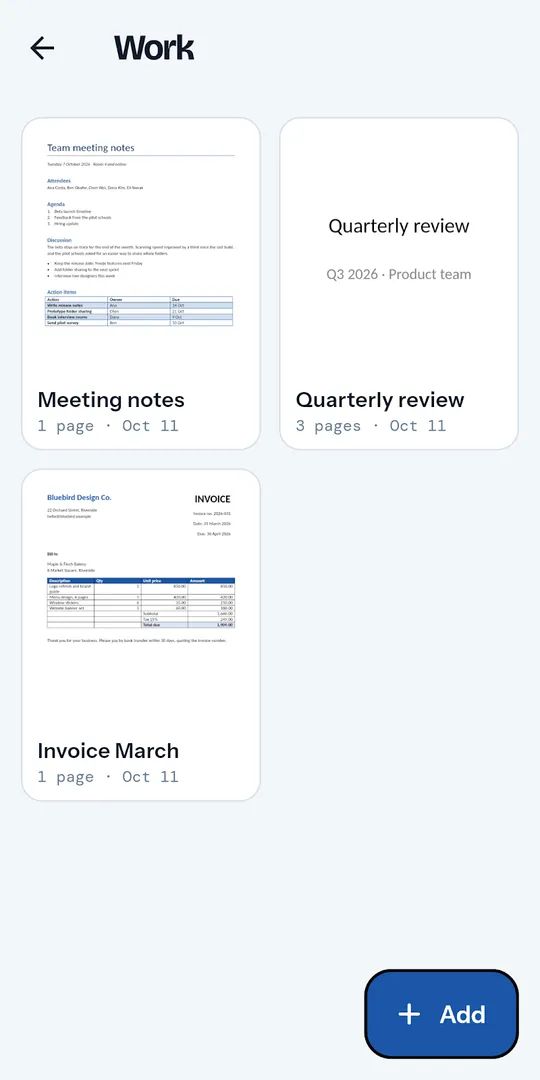
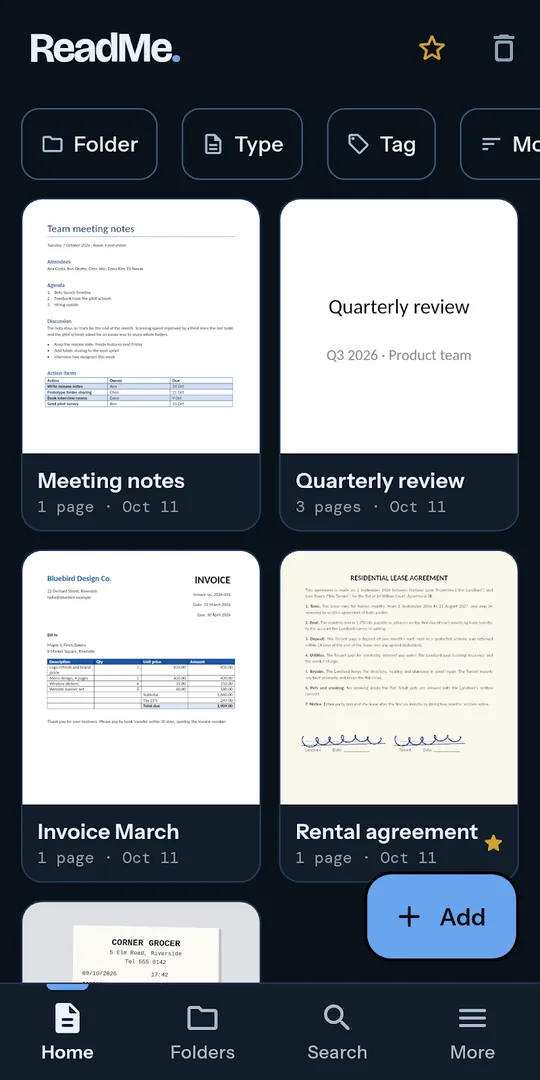
Folders, tags, favourites and a trash you can restore from. Merge documents, split them, and reorder, rotate or delete pages.
-
Find it fast
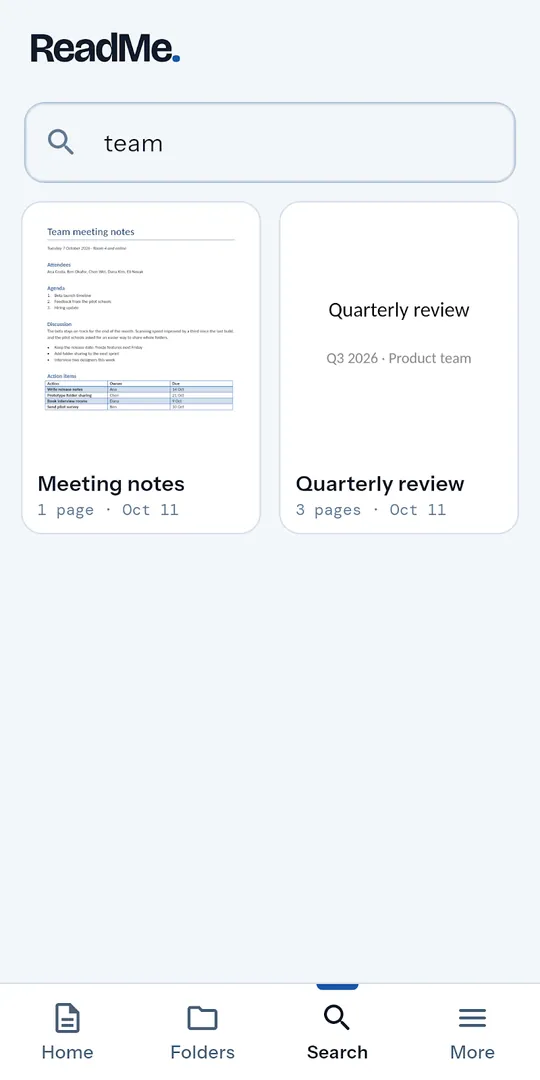
Search your documents by name. Text recognition (OCR) turns any page into searchable, copyable text, with 10 free pages every month.
-
Share
Export as PDF or images, and share anywhere. Scan QR codes too.
-
Private by design
Your documents never leave your phone. Lock ReadMe with a PIN and hide it from the recent-apps screen.
-
Home screen widget
Scan or add a document in one tap, and see how many you have.
02Price
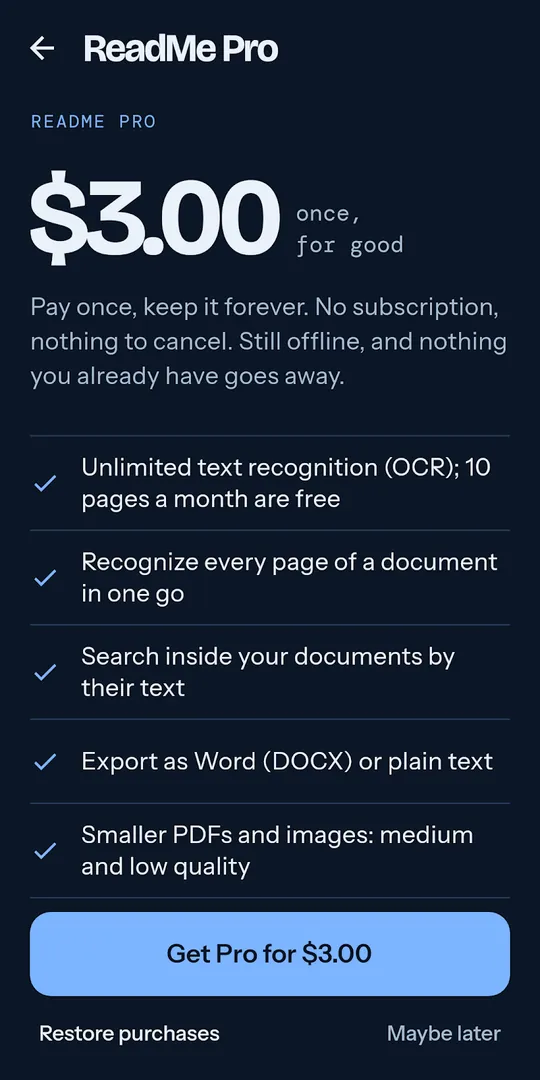
Free to use. Pro is one payment.
ReadMe Pro
US$3.00
Once, no subscription
- Unlimited text recognition, and recognize a whole document at once
- Search inside your documents by their text
- Export as Word (DOCX) or plain text
- Smaller PDFs and images
- Export your whole library as one ZIP of PDFs
03Shipped
Release notes.
-
Improved widget.
Update