
- Category
- Study
- Price
- Free
- Runs on
- Any browser; installs as an app
- Works offline
- Yes
- Address
- schollar.co.za
01What it does
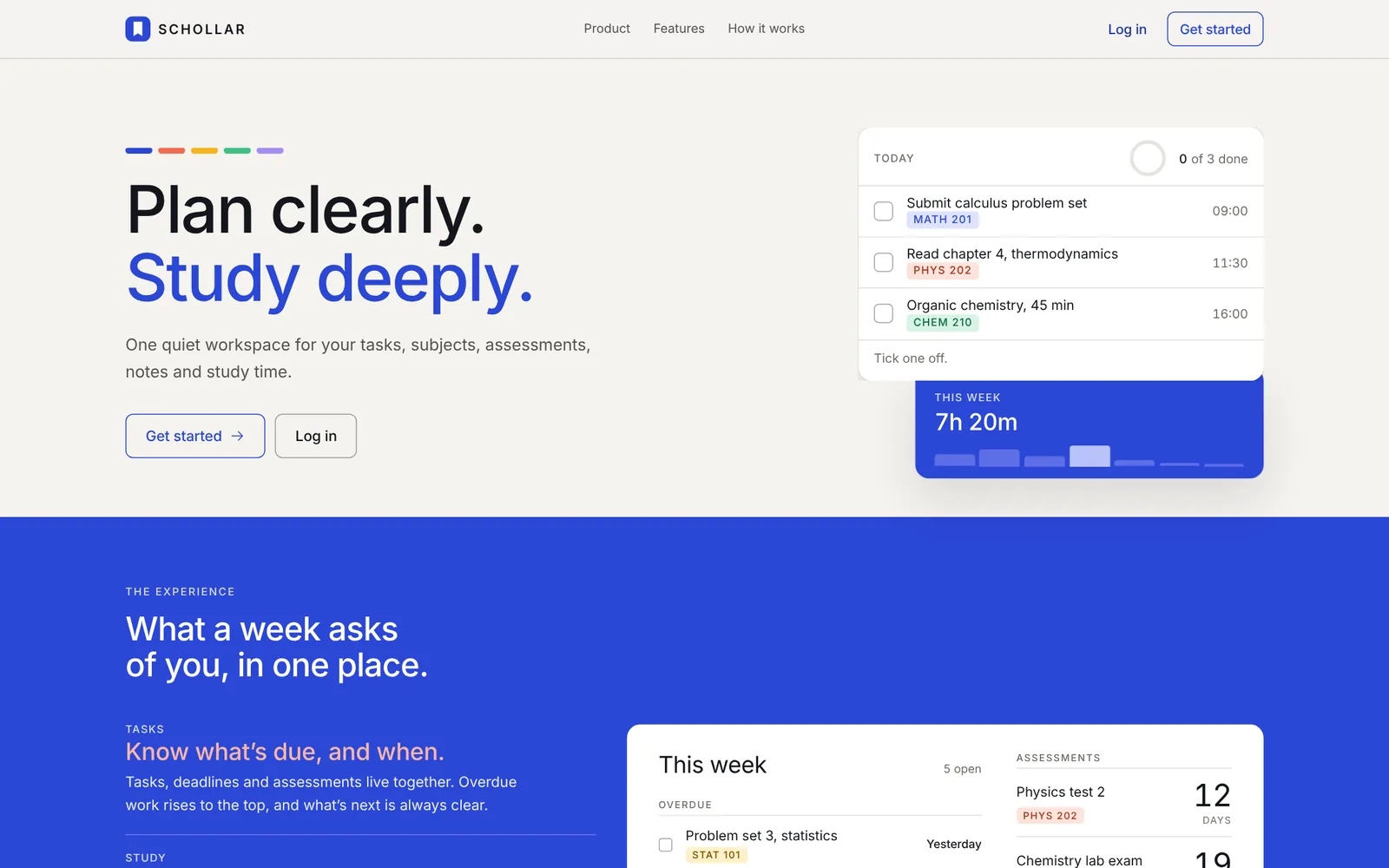
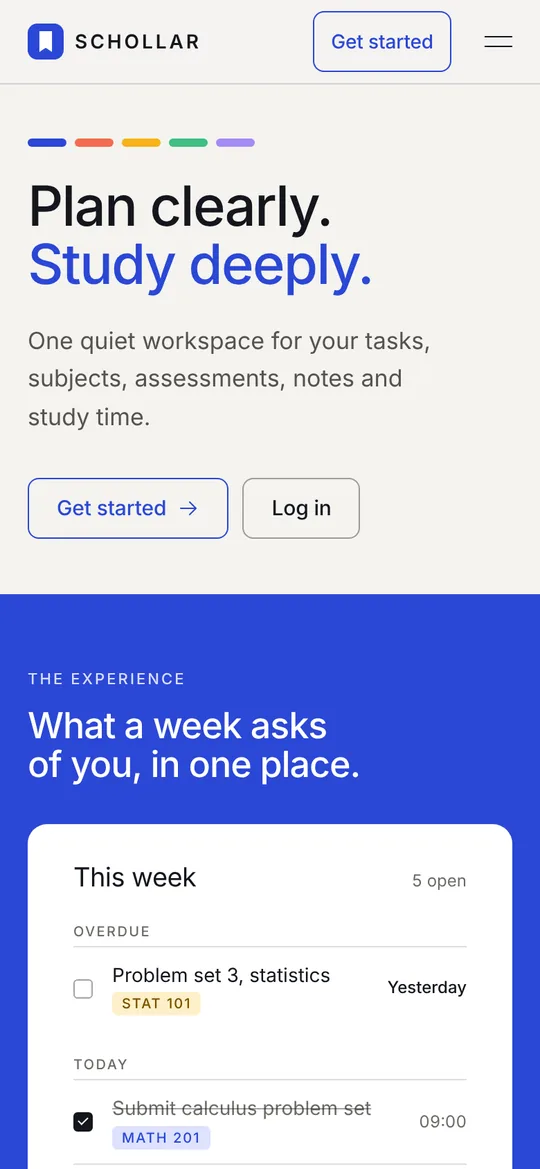
One quiet workspace for your tasks, subjects, assessments, notes and study time.
Schollar installs from the browser: it opens full-screen like any other app, keeps working offline and updates itself. No app store, no download.
-
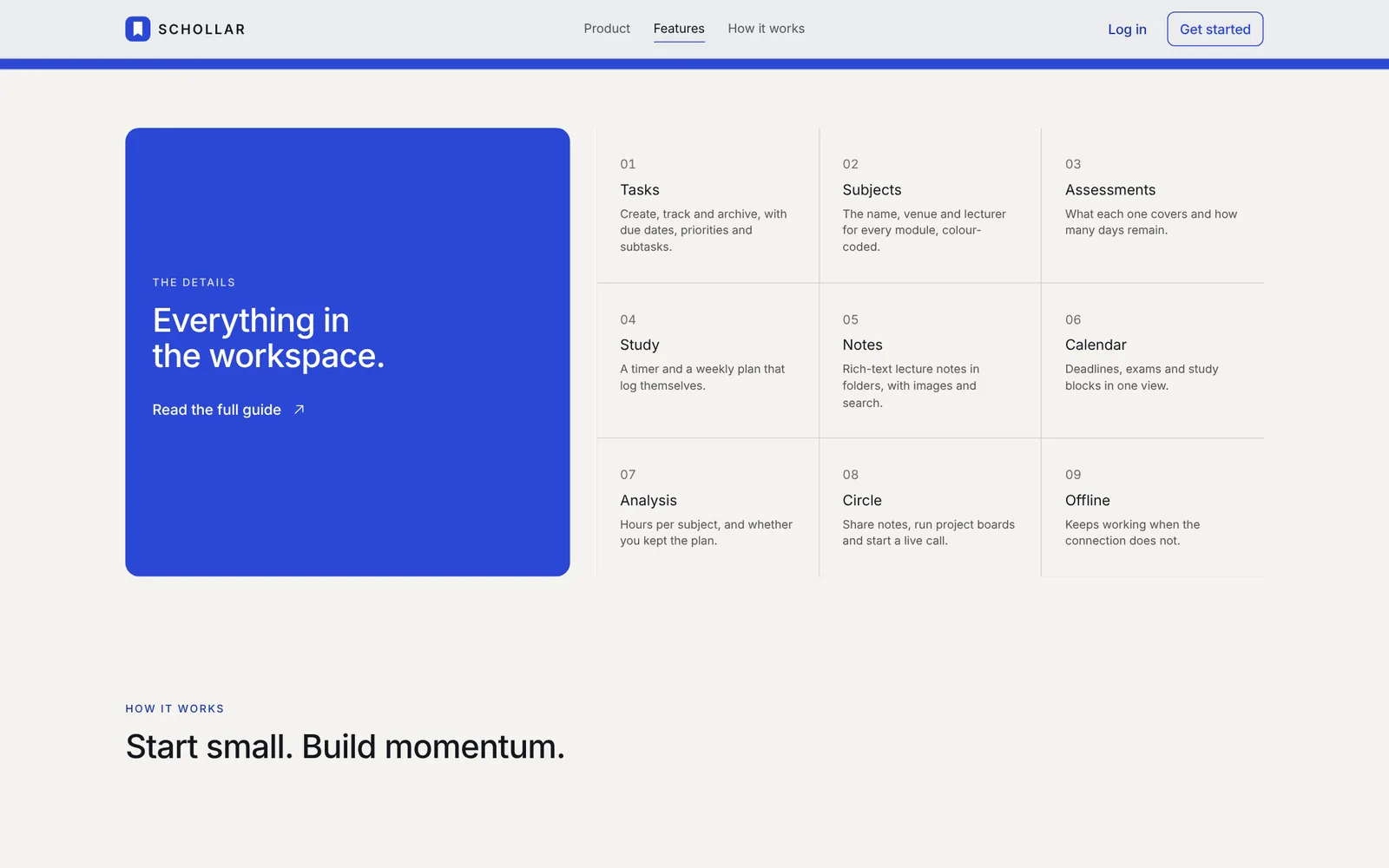
Tasks
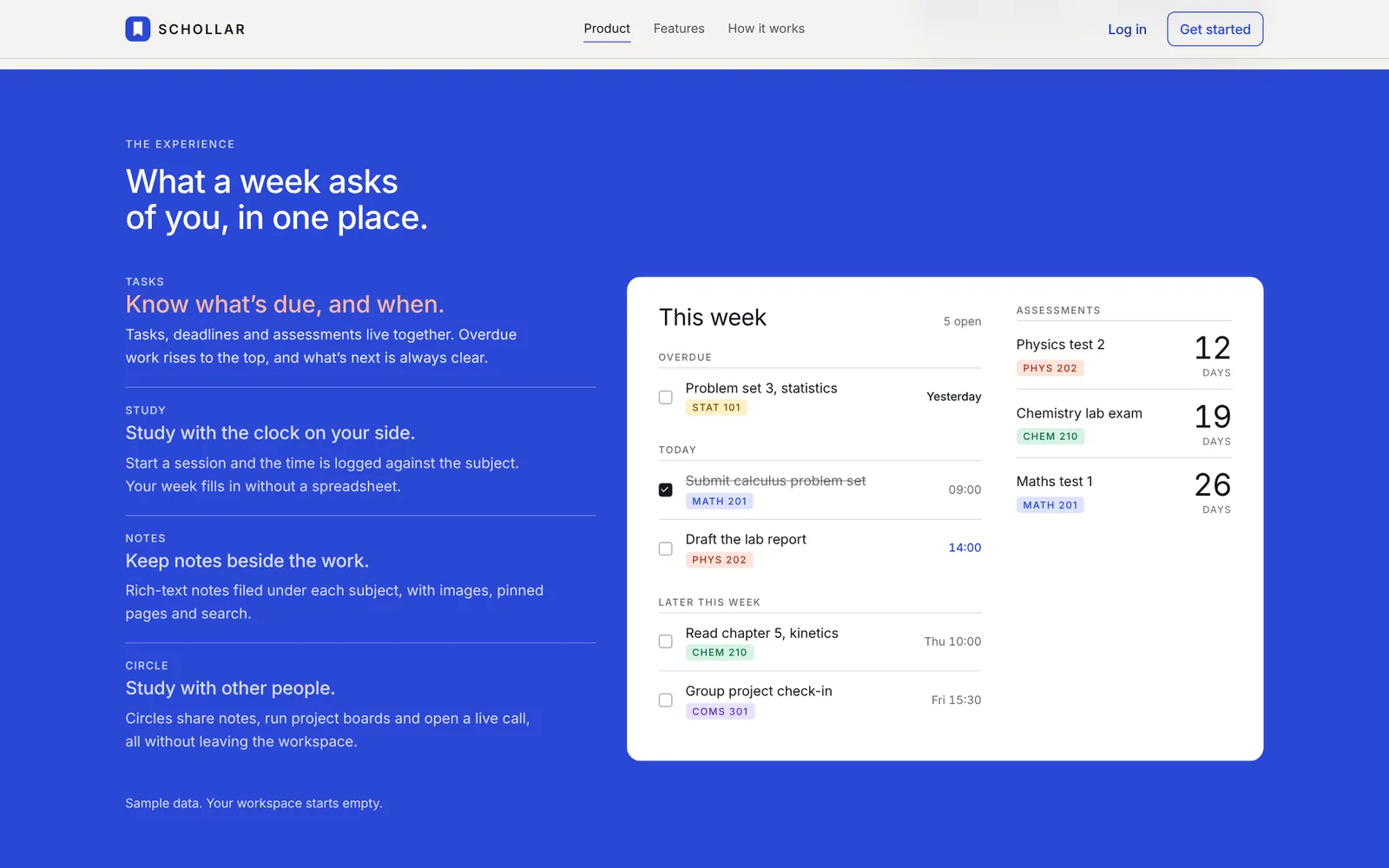
Create, track and archive, with due dates, priorities and subtasks. Overdue work rises to the top.
-
Subjects
The name, venue and lecturer for every module, colour-coded.
-
Assessments
What each one covers and how many days remain.
-
Study
A timer and a weekly plan that log themselves. Start a session and the time is logged against the subject.
-
Notes
Rich-text lecture notes in folders, with images, pinned pages and search.
-
Calendar
Deadlines, exams and study blocks in one view.
-
Analysis
Hours per subject, and whether you kept the plan.
-
Circle
Share notes, run project boards and start a live call, all without leaving the workspace.
-
Offline
Keeps working when the connection does not.